The Sims 4, together.
Join always-on online neighborhoods, move in next to your friends and live your Sims' lives together. Or host your own server in one click.
Free to play. Your own saves and mods stay untouched.
 0
 0
 0
 24/7
A real online world, not a shared save
Everything you love about The Sims 4, with real people living next door. The town keeps going when you log off, and it's still there when you come back.
 Always-on
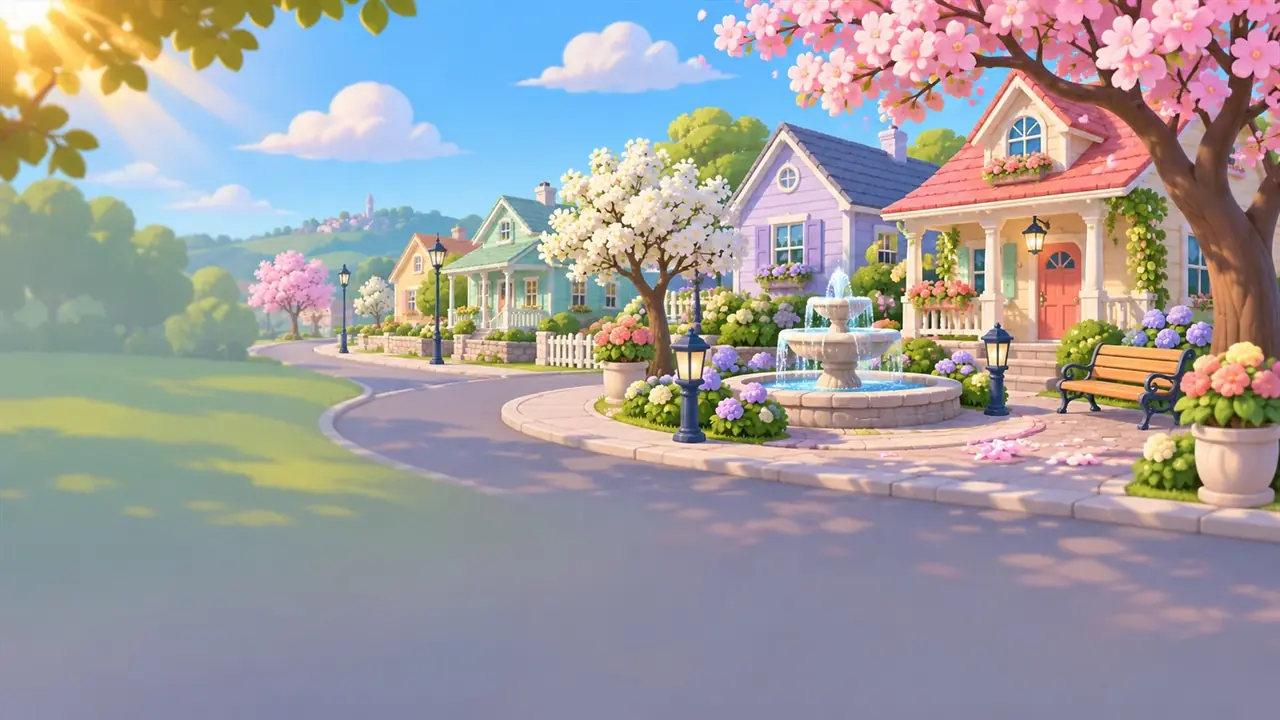
Neighborhoods that keep living
Servers run day and night like on FiveM. Your home, your money and your relationships are saved on the server, so the town is waiting for you whenever you come back.
- Persistent lots, households and funds
- Automatic world backups
- Join from anywhere, no host needed
 Together
Visit friends and play side by side
See other players walk around, visit each other's homes, throw parties and hang out. Interactions sync between everyone on the lot, including ones from server mods.
- Real players on the same lot
- Phone calls and invites across town
- Events, parties and businesses
 Build
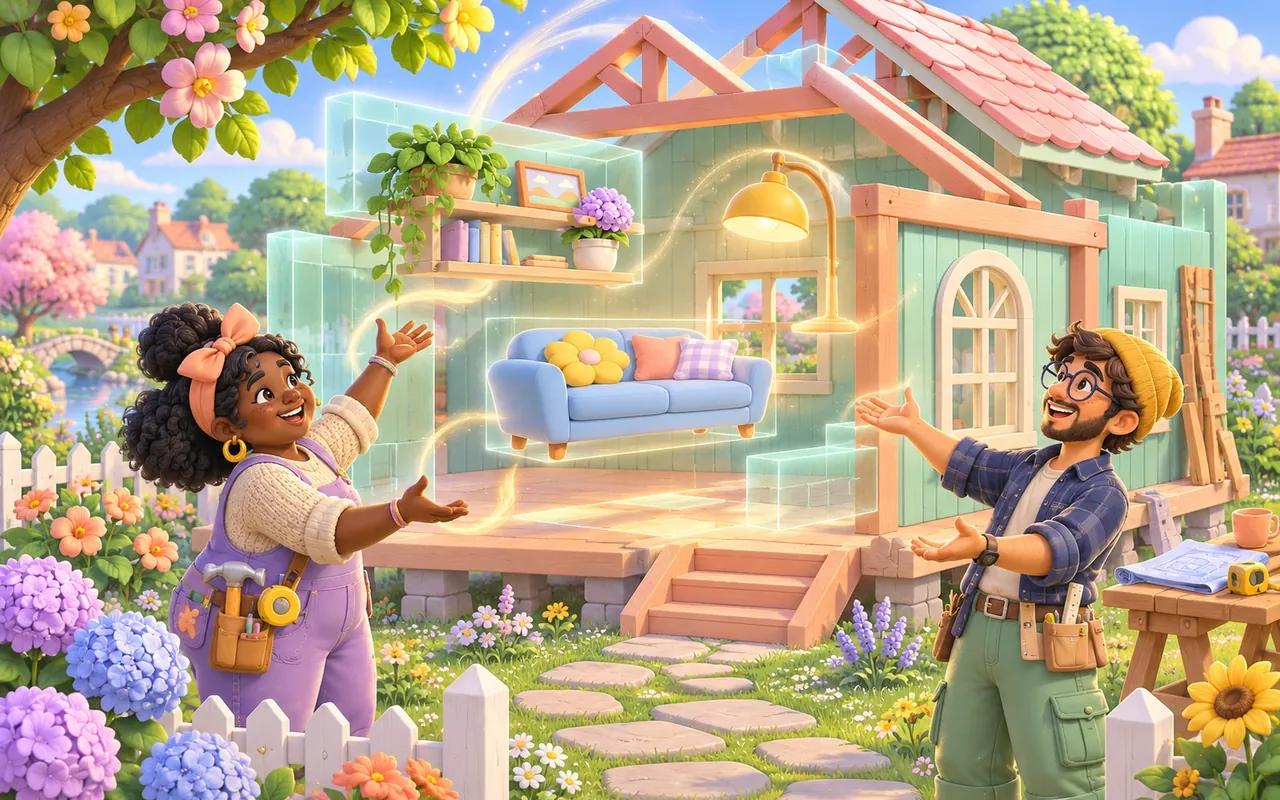
Build and decorate together
Roommates build the same house live: walls, furniture and decor appear for everyone. Lots are saved on the server and synced to every player automatically.
- Live build mode sync
- Ownership and build permissions
- Every lot stays the same for everyone
 Voice
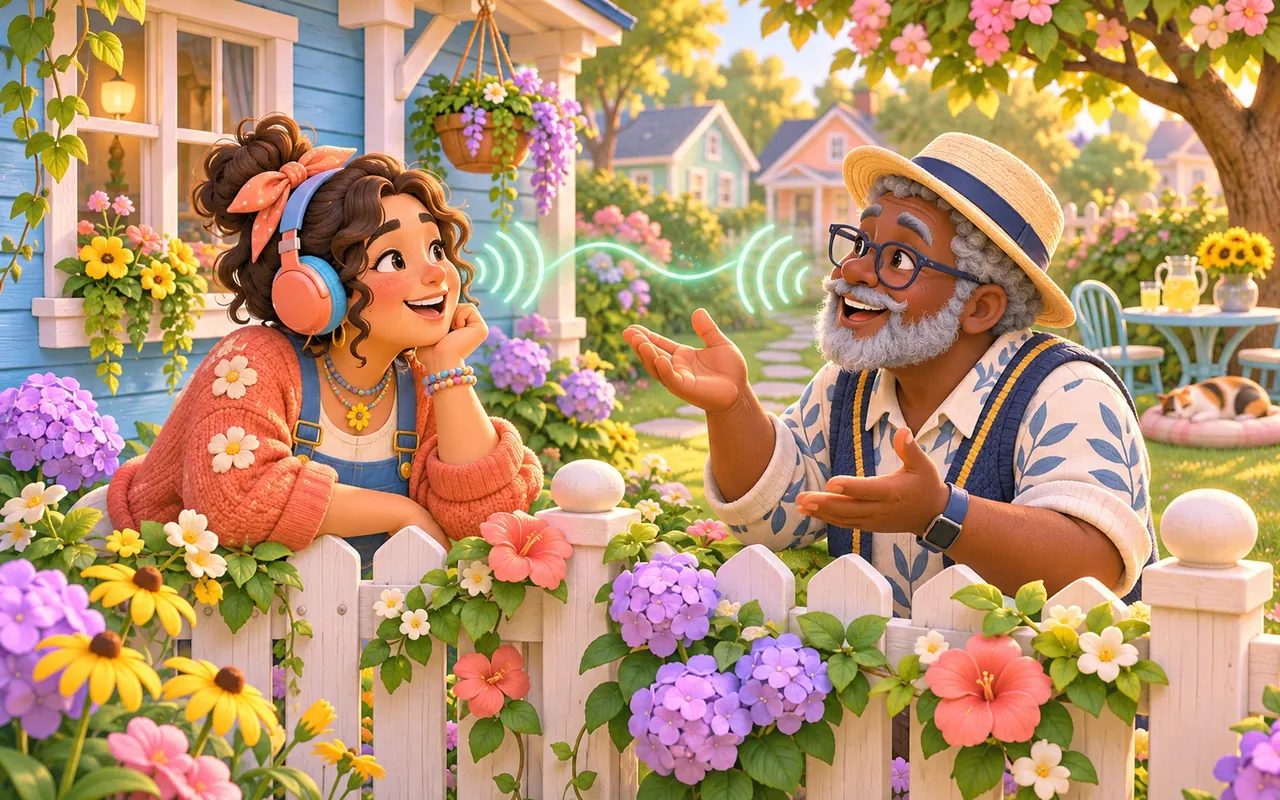
Talk to the people around you
Proximity voice chat lets you hear Sims close to you, louder when they're near and from the right direction. Push-to-talk or automatic, your choice.
- 3D spatial voice like on FiveM
- Push-to-talk or voice detection
- Private phone calls

Characters, families and roommates
Create several characters on every server with partners, kids and pets, or play one Sim on a roleplay server.

Businesses, parties and events
Run a café or a club, throw a house party or host a wedding. The whole server can join, live.

Mods for everyone, automatically
Owners add mods once. Every player gets exactly the same ones when they join, and your own mods stay untouched.
Your own server in minutes
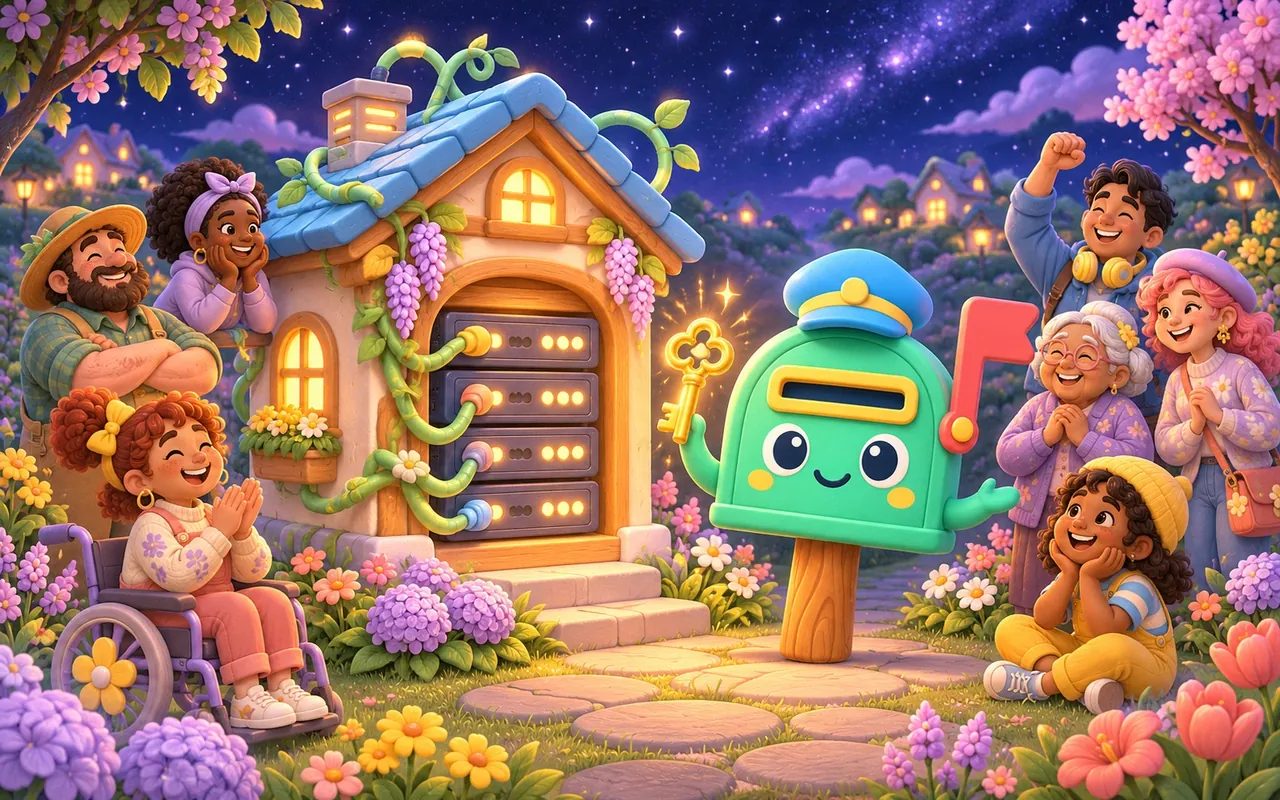
Host from the launcher with one click, or run a 24/7 server on a VPS. Public, password or whitelist.
Moving in takes three minutes
No mods to install by hand, no save files to pass around. The launcher does the heavy lifting.
Download the launcher
Install Neighborly on Windows or Mac. It finds your copy of The Sims 4 automatically.
Create your account
One free account for the launcher, every server and this website.
Pick a server and play
Choose a neighborhood, create your character and claim your first home.
Popular servers right now
Every server below is online this very moment. Click one to see who's there and where they live.
Host your own neighborhood
Run a server from the launcher while you play, or put it on a VPS so it stays online 24/7. Get a free server key, paste it in and you're listed in the server browser.
Neighborly Club
Bigger servers, more server keys and a spot higher in the browser. Every plan helps keep Neighborly growing.
Is Neighborly free?
Yes. Playing, creating an account and hosting a server are free. The optional Neighborly Club adds bigger servers and extras for owners.
What do I need to play?
A Windows PC or a Mac and The Sims 4 (the free base game from Steam or the EA app is enough). Some servers use expansion packs, and each server's page shows which ones.
Will it touch my own saves and mods?
No. The launcher puts your saves and mods safely aside while you play online and gives them back the moment the game closes.
Can I play with only my friends?
Of course. Host your own server and set it to password or whitelist, so only the people you invite can move in.
Does the server keep running when I log off?
A server on a VPS runs 24/7. A server you host from the launcher runs while your PC is on. Either way, everything is saved on the server.
Is this made by EA?
No. Neighborly is a fan project by RTX Development and is not affiliated with Electronic Arts or Maxis.
Come say hi on Discord
Meet other neighbors, find a server, share your builds and get help from the team.